How to install Cygwin for C ++ lessons
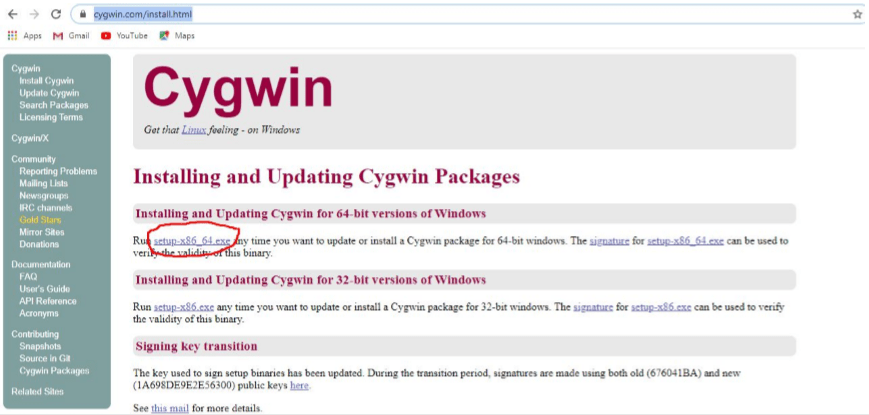
1. Go to https://cygwin.com/install.html
2. Click setup-x86_64.exe
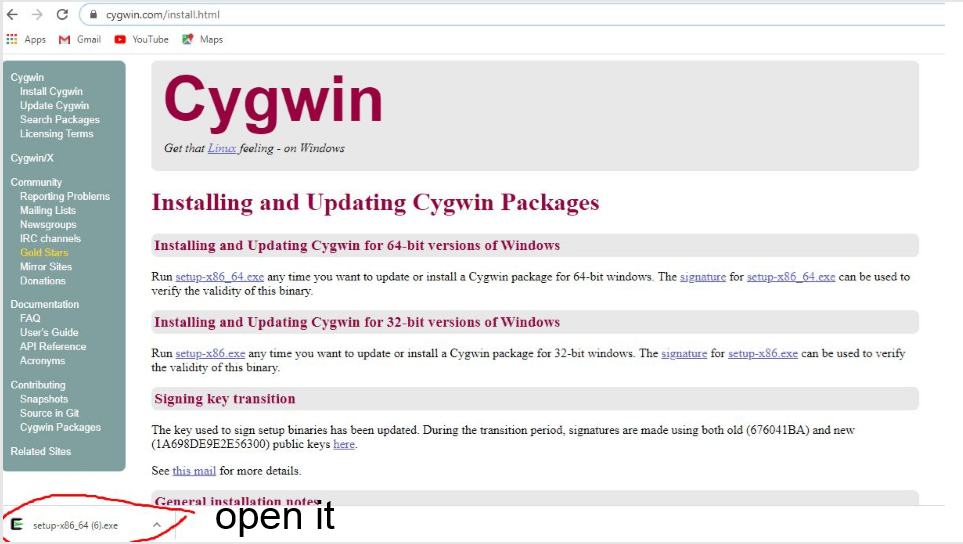
Open it
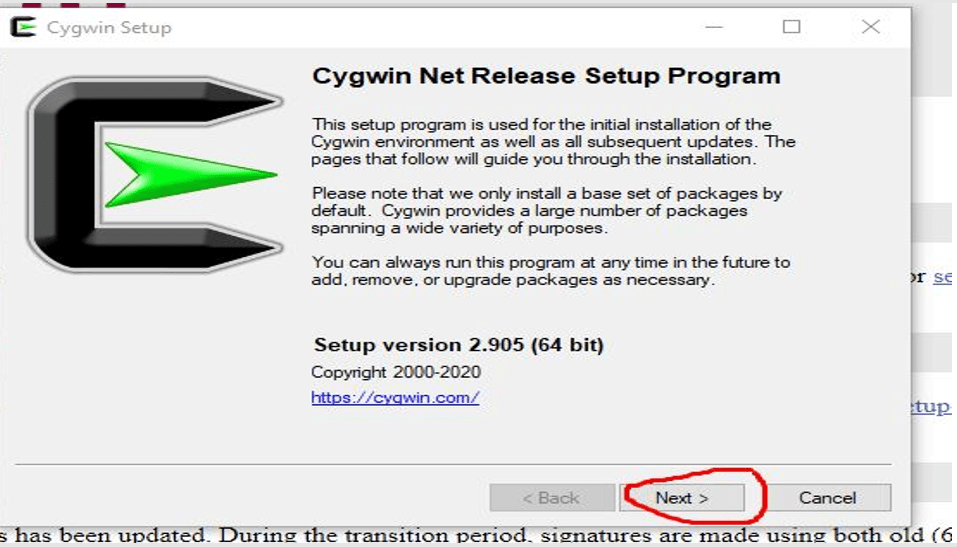
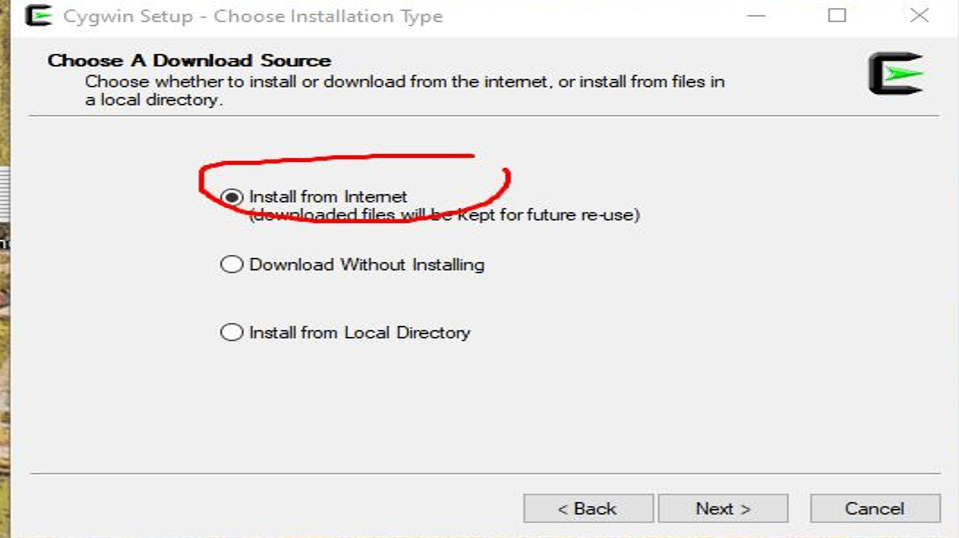
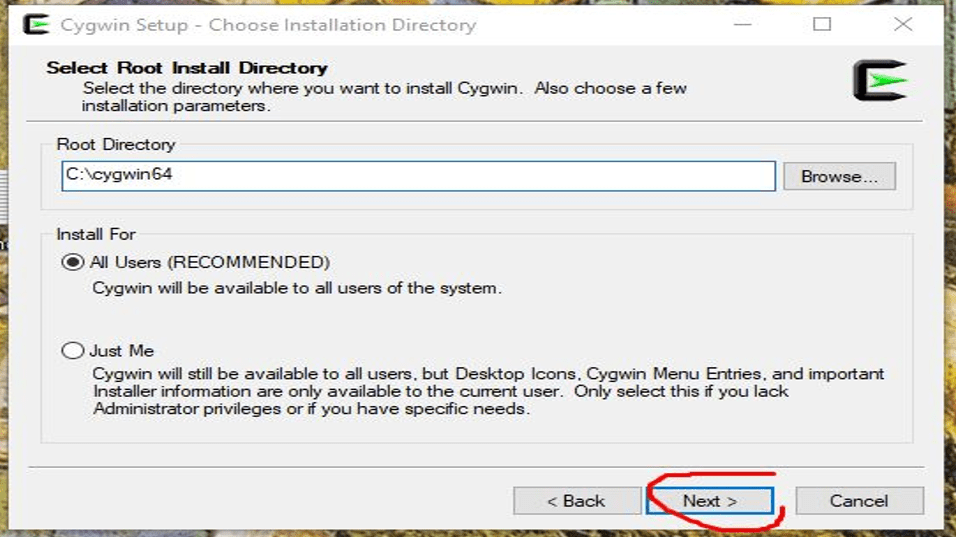
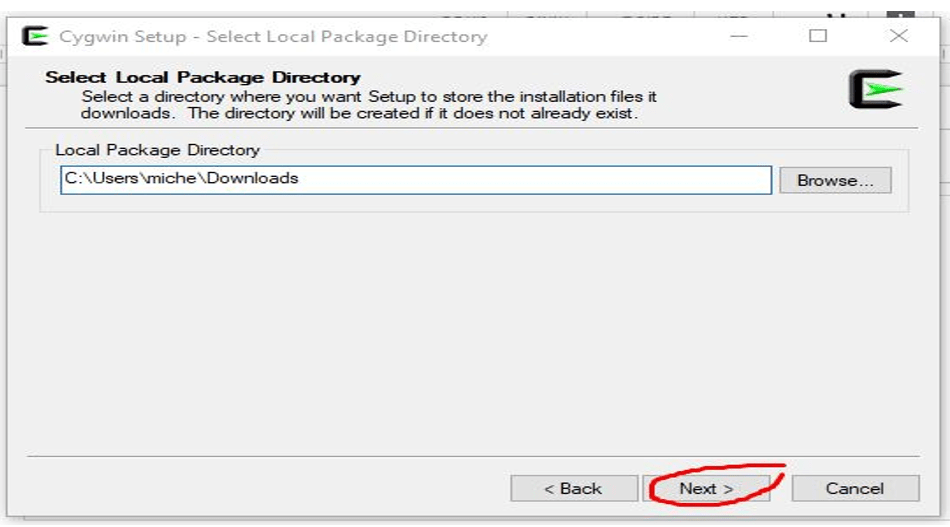
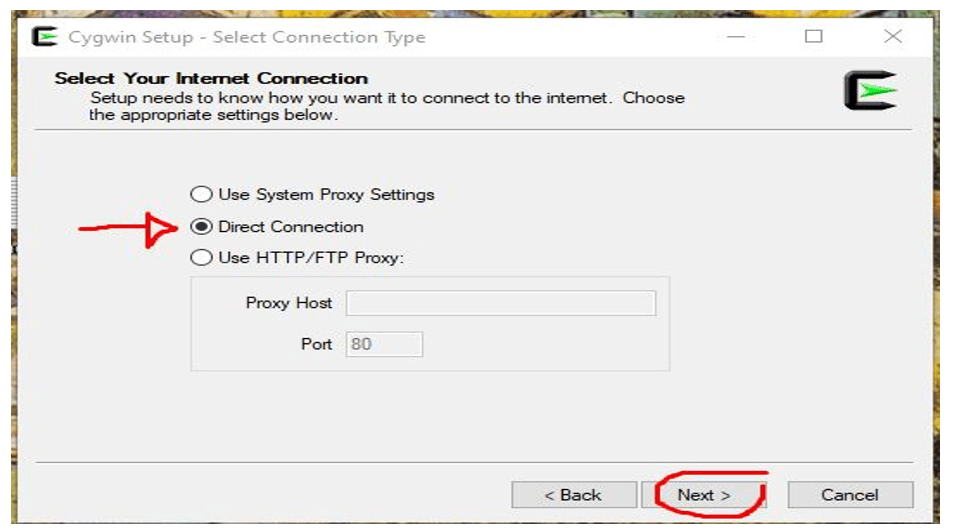
It doesn’t matter which one you pick here
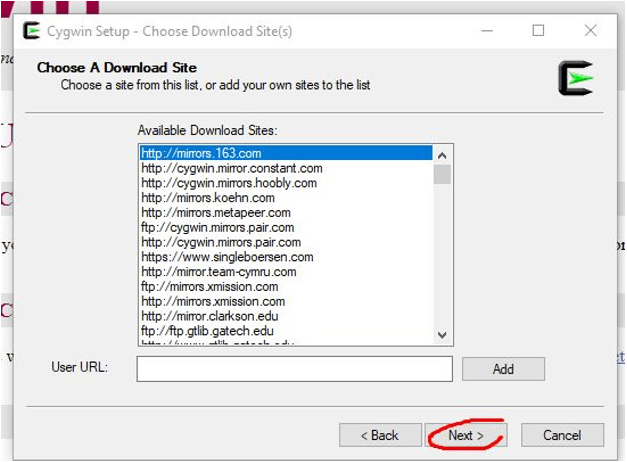
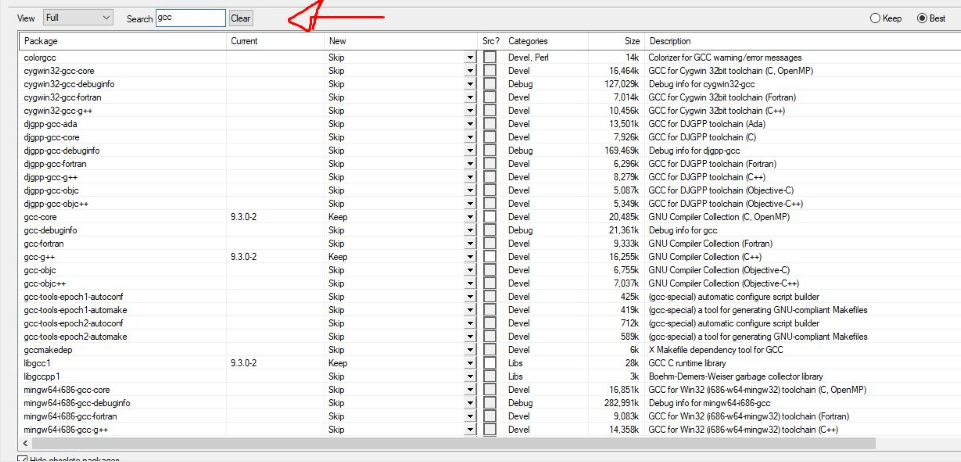
Change “view” from pending to full

Search for “gcc”

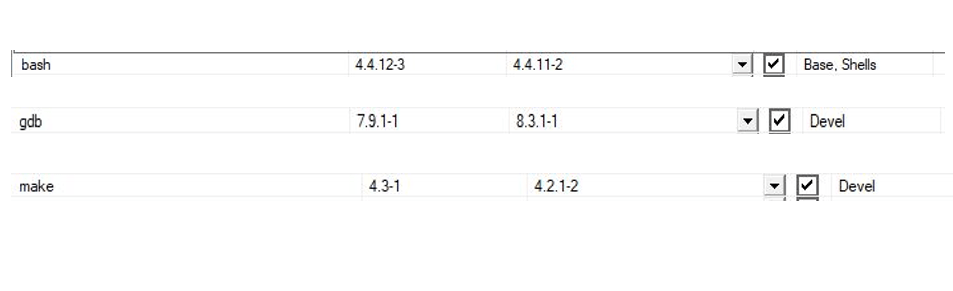
Do the same for bash, gdb and make (search for them, mark with V and pick latest version
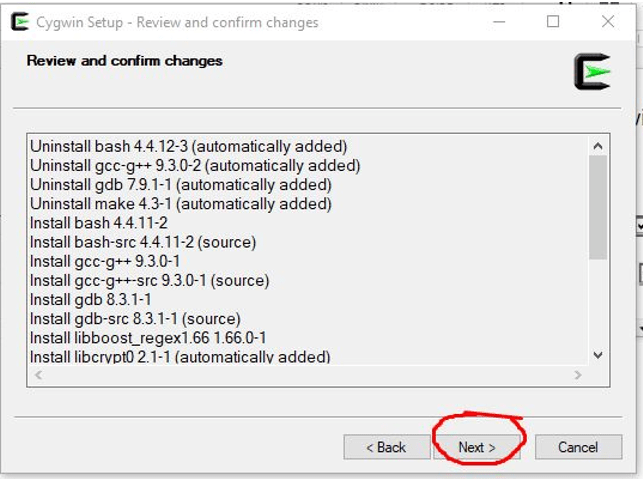
When you’re done with these 3 clicks next
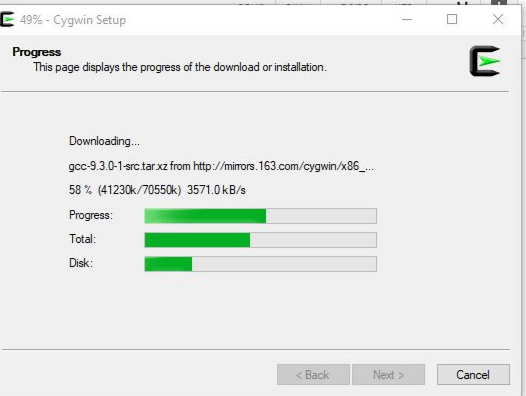
Now we wait for installation to complete and we’re done 🙂